Tools Built

These tools were created to solve specific execution problems – simple, focused, and practical.
- Flowchart
- Phoenix Kanban
- Phoenix Kanban Timeline
- RACI Matrix Generator
- Project Canvas
- Work Intake & Release Demo
The Tools
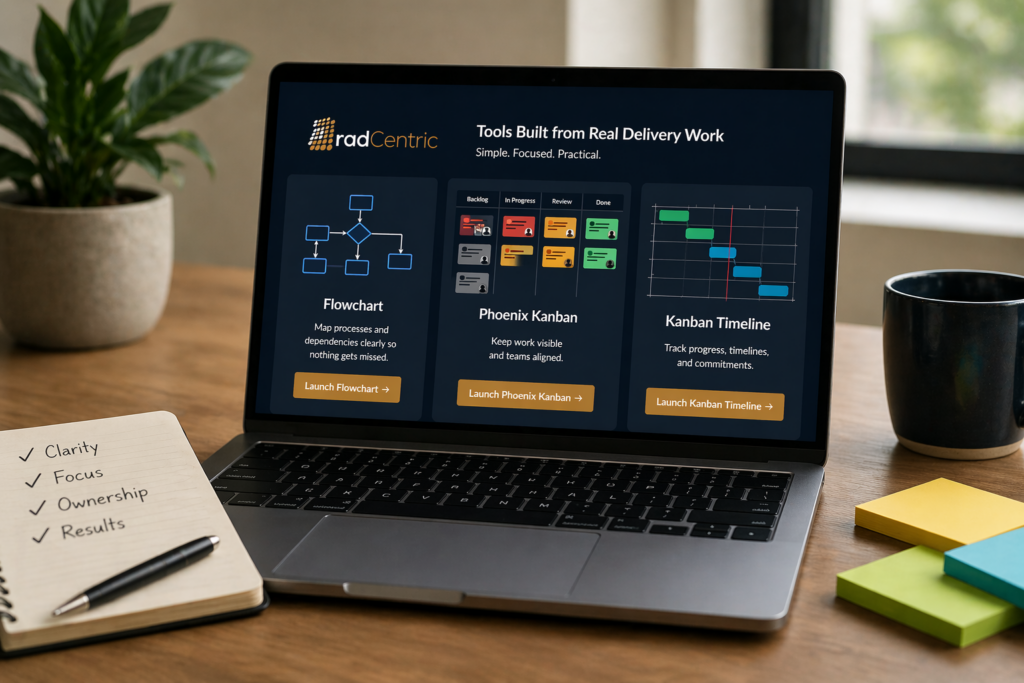
These tools were built using modern development approaches, including AI-assisted workflows, to rapidly prototype and refine practical solutions.
Each tool is designed as a lightweight, standalone application: no accounts, no database, no friction. Data is saved locally as a JSON file, so you can export your work and reload it anytime.
Many of these started as focused prototypes, but with refinement, they’ve become genuinely useful in day-to-day delivery work.
Everything here is free to use – no tiers, no paywalls.
Flowchart
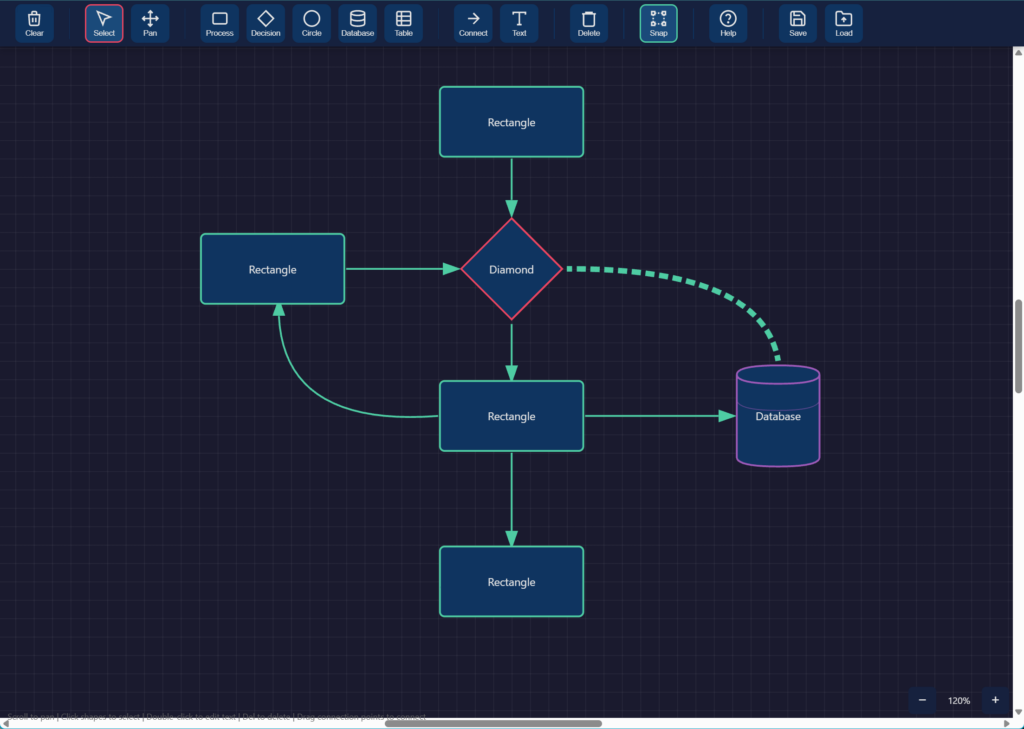
Simple flowcharting tool, available before ExcaliDraw came on the market. Useful during calls when scrambling for a flowcharting tool, very good for working design sessions.
- Fast, intuitive, basic shapes, with a database shape and a table shape
- Save to JSON
- Use spacebar and mouse click fast navigation
Phoenix Kanban
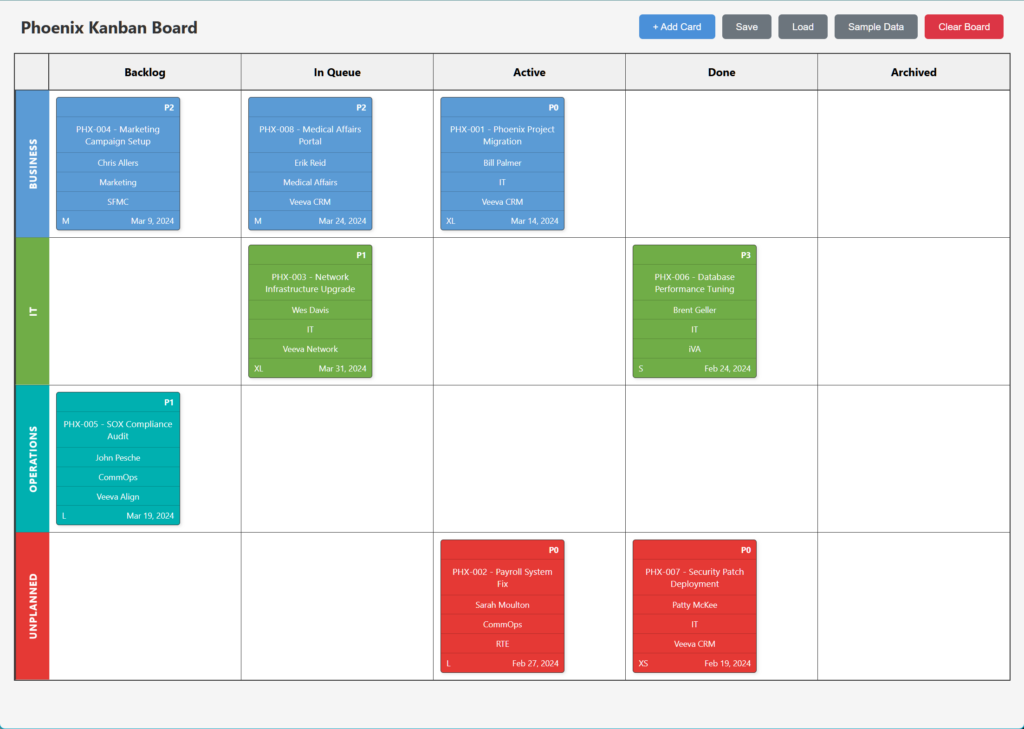
Kanban board built as per the book “The Phoenix Project: A Novel About IT, DevOps, and Helping Your Business Win”. Its a great way to track work, and highlights if things are out of control if you use the Unplanned swimlane.
- Backlog, In Queue, Active, Done, and Archived
- Business, IT, Operations, Unplanned
- Tasks auto color depending on where you drag and drop them
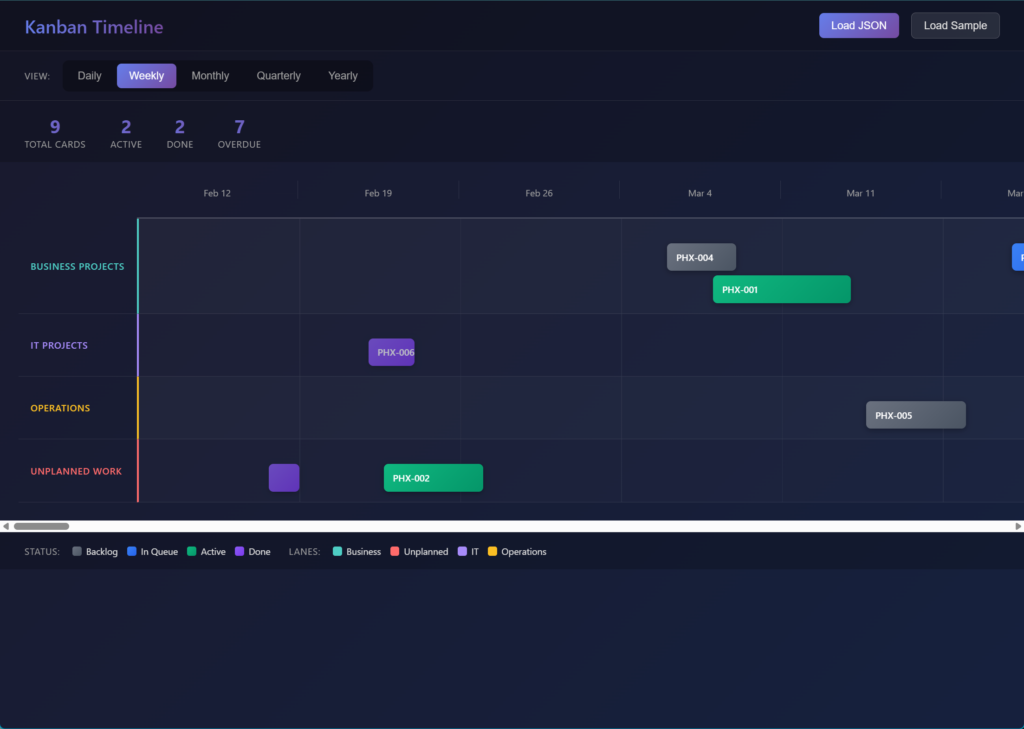
Phoenix Kanban Timeline
This tool reads the JSON from the Phoenix Kanban and shows a timeline. Very helpful in visualizing bottlenecks in scheduling and project demand.
- Daily, Weekly, Monthly, Quarterly and Yearly views
- KPI's: Total Cards, Active, Done and Overdue
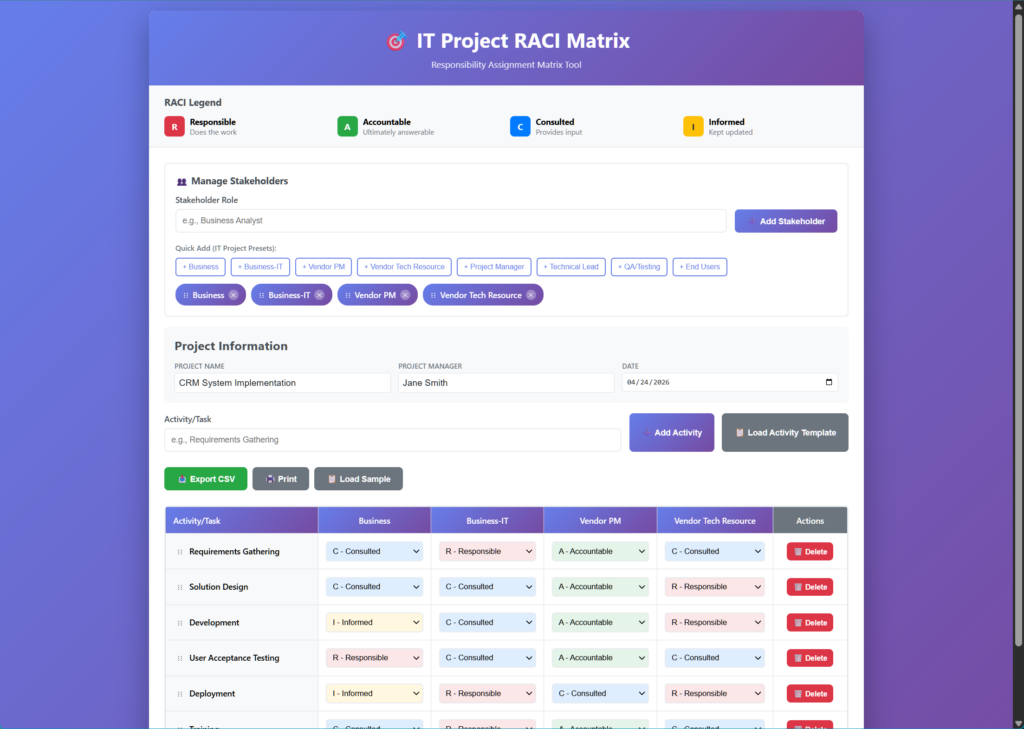
RACI Matrix Generator
Tool to help create a RACI. Can be used for technical or non-technical related work.
- RACI Legend and explanation
- Add Stakeholders
- Save RACI as a CSV file for later edits
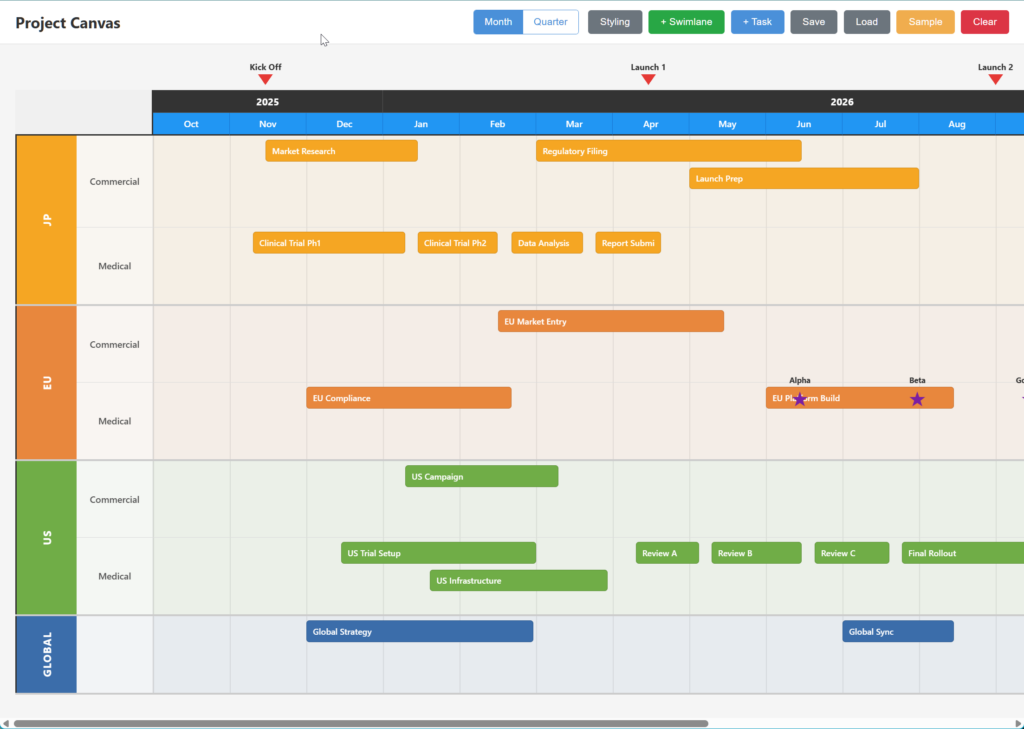
Project Canvas
Tool to help visualize multiple projects on one view. Based on the Phoenix Kanban, but has flexible swimlanes and sublanes.
- Create your own swimlanes and sublanes
- Add Tasks, drag tasks, viusally extend task duration
- Intellignet Milestones for placement
- Monthly and Quarterly views
- Screengrab and paste into Powerpoint - faster than OfficeTimeline
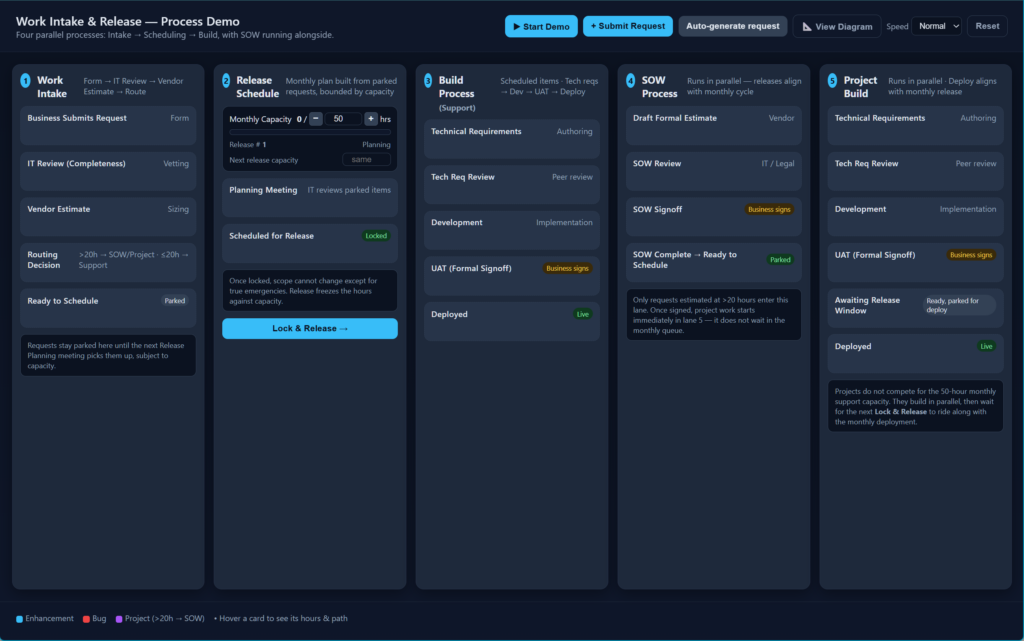
Work Intake & Release Demo
Needed to explain how to build a Work Intake and Release Workflow. This demo is pretty wild!
- 5 independently executing processes; Work Intake, Release Schedule, Build Process, SOW Process, and Project Build
- Start, Dtop and Reset Demo
- Sample data, add random generated tasks while its running
- View process flow chart